Microsoft Teams Phone
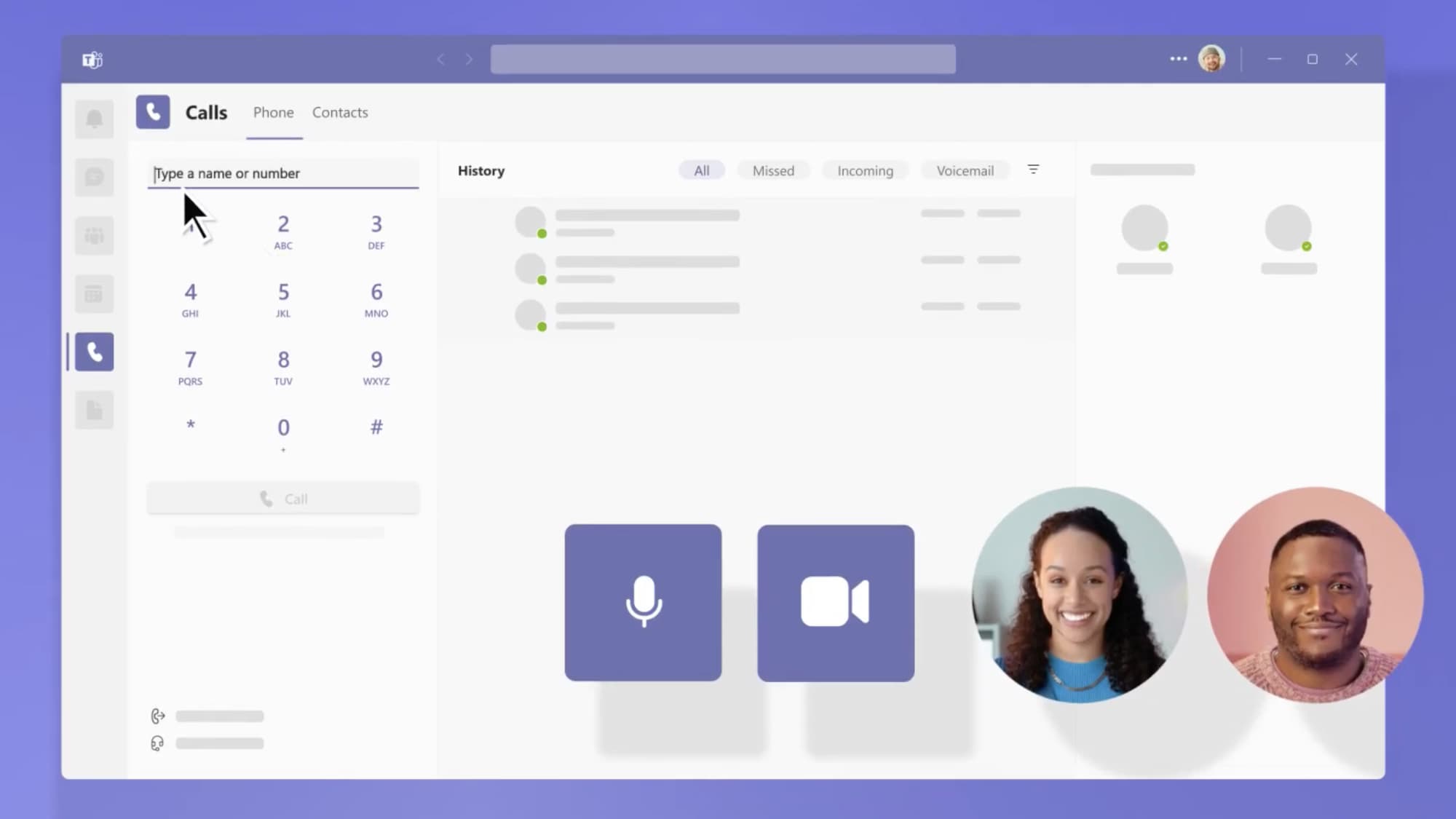
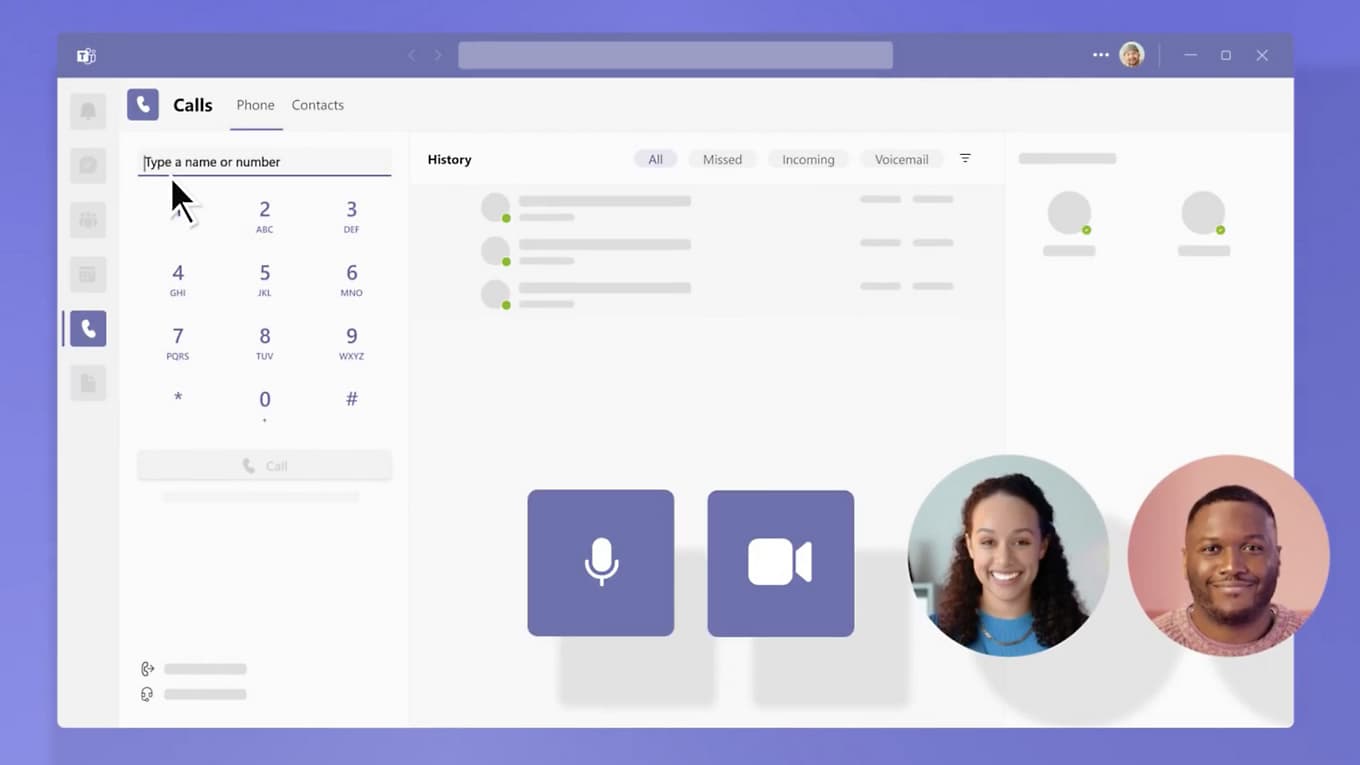
Bring external calling into the Teams experience your staff already uses on desktop, mobile, web, and certified devices.
Business phone systems
GingaTech brings calling, reception, desk phones, headsets, and meeting rooms together in a modern system your team can use and your business can rely on.
Designed, migrated, and managed by your local GingaTech team
One partner, practical choices
We help you choose the platform, devices, and call flows that fit how your team actually works — without telecom jargon or a one-size-fits-all package.
Bring external calling into the Teams experience your staff already uses on desktop, mobile, web, and certified devices.
Teams-certified desk phones, headsets, speakerphones, and meeting room systems for reception, offices, hybrid work, and conference spaces.
A modern dedicated business phone experience with centrally managed UniFi Talk phones, call routing, and supported analog devices.
Number porting, call-flow design, deployment, documentation, training, changes, and ongoing support from one local team.
Microsoft Teams Phone
Teams Phone adds cloud calling to Microsoft Teams. Staff can work from the Teams app or a certified device, while your business keeps the familiar phone workflows customers expect.
Welcome callers and route them by department, schedule, language, or menu choice.
Distribute incoming calls to reception, sales, service, or other groups.
Use hold, transfer, forwarding, simultaneous ring, voicemail, and shared calling.
Call from desktop, mobile, web, certified headsets, desk phones, and supported meeting spaces.
Teams Phone requires appropriate Microsoft licensing and a PSTN connectivity option. We assess the tenant, connectivity, numbers, emergency calling requirements, and devices before deployment.
Yealink Teams-certified devices
We match the device to the person and the space, then configure it as part of the complete Teams Phone deployment.

Purpose-built Yealink Teams phones for common areas, office workers, front desks, and executives, with familiar Teams controls and centralized management.
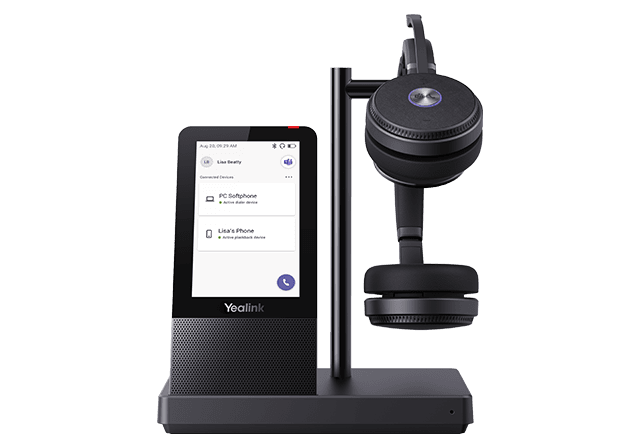
Wired, Bluetooth, and DECT options for focused work, hybrid staff, call-heavy roles, and shared offices.
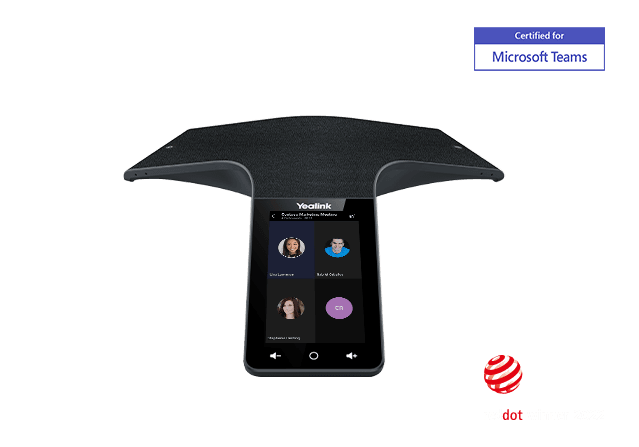
Teams-certified speakerphones, conference phones, MeetingBar systems, and modular Teams Rooms for huddle spaces through larger meeting rooms.
UniFi Talk & Managed VoIP
UniFi Talk is a strong fit for businesses that want a dedicated calling platform with a clean user experience and centrally managed hardware. We design the call flow, deploy the phones, port numbers, and support the system.
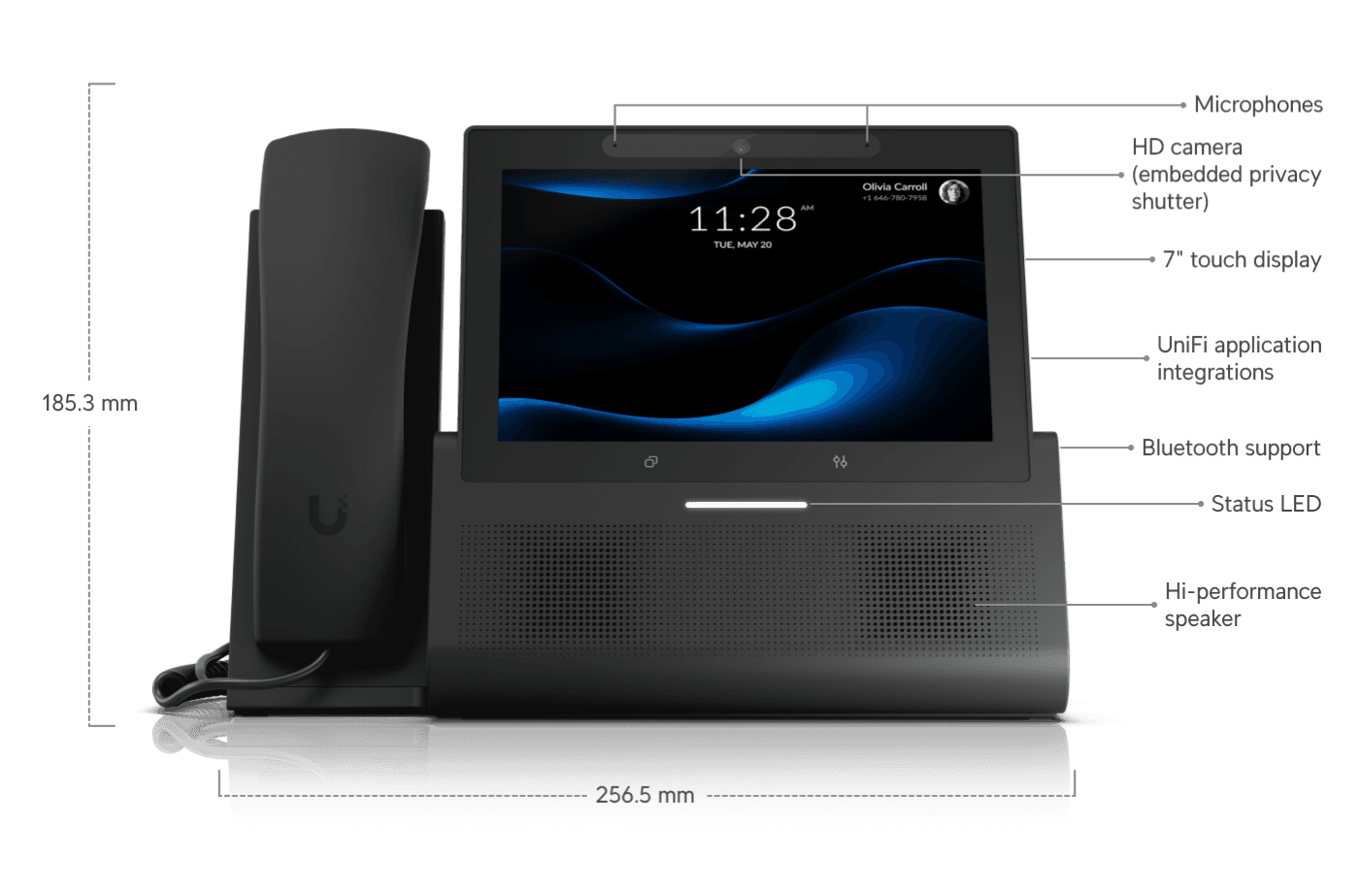
Premium desktop phone with a 7-inch touch display.
Compact desktop phone with a 5-inch touch display.
Wall-mountable phone with a 7-inch touch display.
Current premium and versatile G2 desktop options.
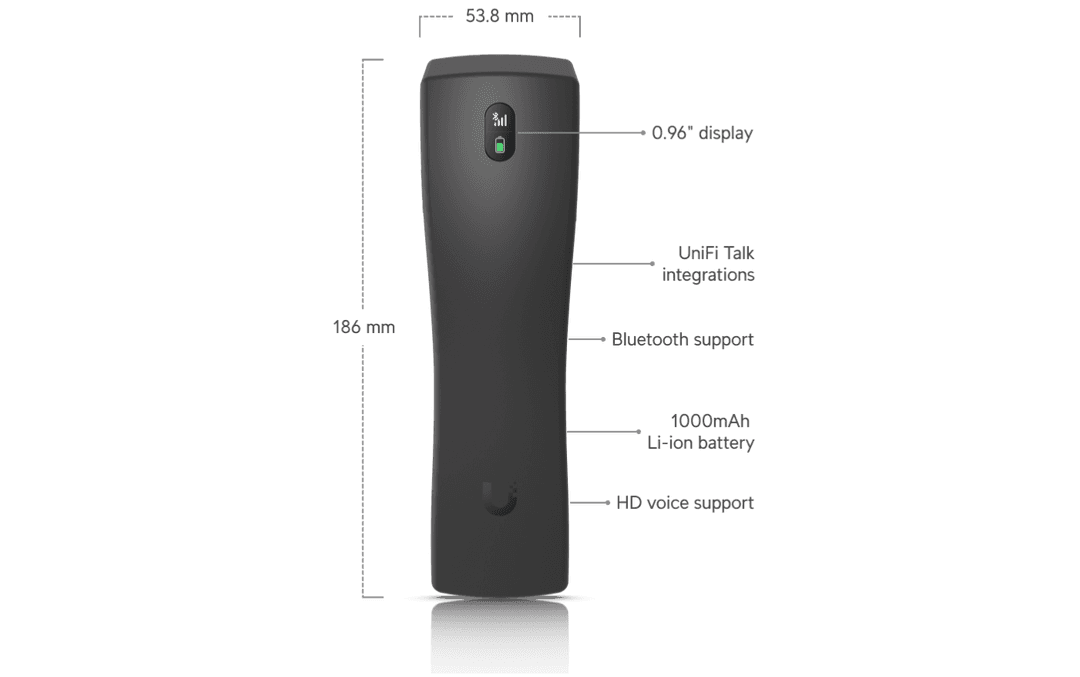
Wireless audio handset for compatible G3 Touch phones.
Connect supported analog telephones and fax machines to UniFi Talk.
Product selection, service availability, number eligibility, emergency calling, and analog/fax compatibility are confirmed during design.
Built around real work
See calls, transfer quickly, reach departments, and manage busy periods with clear routing.
Use queues, shared numbers, voicemail, and presence-aware calling for faster responses.
Keep one business identity across desktop, mobile, headset, and desk phone.
Join meetings easily and give every participant clear, consistent audio.
Standardize numbers, call flows, devices, and support across locations.
Coordinate porting and cutover so customers keep calling the numbers they know.
The GingaTech process
We review users, numbers, locations, call flow, devices, internet, and current contracts.
We map licensing, connectivity, routing, auto attendants, queues, devices, and rooms.
We coordinate number porting, tenant or platform setup, and a practical cutover plan.
We configure phones, headsets, rooms, apps, permissions, emergency details, and training.
We support users, changes, devices, call flows, updates, and future growth.
GingaTech
Tell us how calls move through your business today. We’ll recommend a practical Teams Phone or UniFi Talk solution and a clear migration plan.